SEO optimization includes dealing with so many unwanted errors and issues. Screaming Frog says your site is clean but ranking still won’t move and then you are not sure what SEO Issues are affecting your site.
Most SEO tools catch technical violations like missing tags, broken links, slow pages. But that’s not all what is hurting your site.. there is much more to it.
Content Problems Hiding in Plain Sight
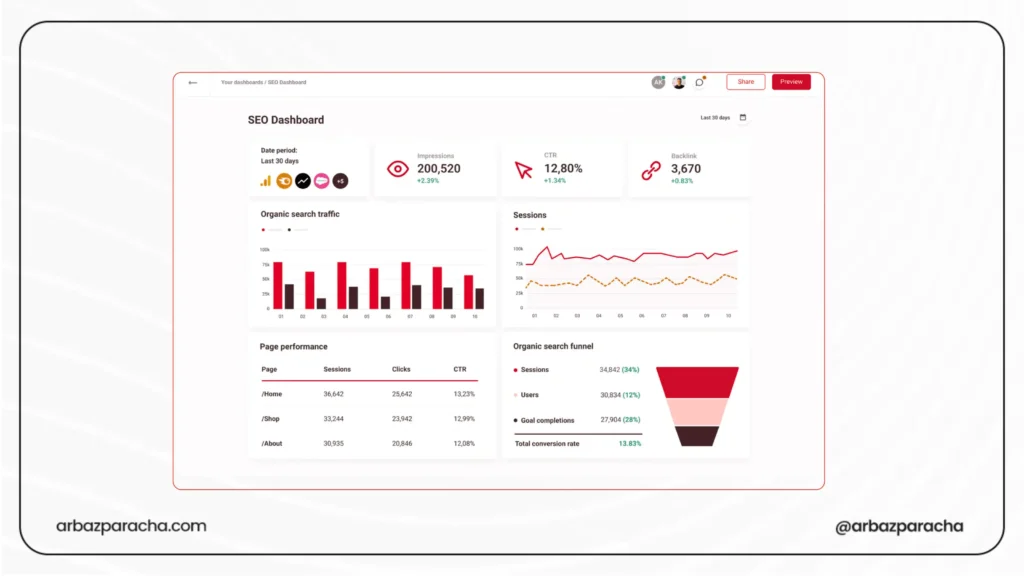
There are many optimization issues that you can not identify even with tools and we’ll talk about all of them one by one.
1. Boilerplate Drowning Your Content
Your SEO tool sees a 500 word page and reports sufficient content without telling you that 400 of those words are repeated shipping policies and legal disclaimers.
Check this yourself…
Open five product pages. Highlight what actually changes between them. If less than half the content is unique, you have a problem.
Google sees these as near duplicates competing with each other.
Fix this by moving repeated content to dedicated pages. Link to your shipping policy instead of copying it everywhere.
2. Keyword Cannibalization Through Search Intent
You have separate pages for ‘CRM software’ ‘CRM tools,’ and ‘CRM platforms.’ Different keywords, so your tool shows no cannibalization.
Search those terms in Google. Same top 10 results? Google treats them as identical intent and you’ll be competing against yourself.
- Search your target keywords
- Map which ones show the same results
- Anything with 80%+ overlap is the same intent
Fix it by merging pages targeting the same intent into one strong page
3. Duplicate Images SEO Issues
Are duplicate images a ranking issue for SEO? Not directly, but they cause problems.
If you have 50 product variations all using the same photo, Google struggles to determine which page is the main one.
- Export your image URLs.
- Look for the same image on 5+ pages
- Reverse image search your product photos to see if they’re stock images on competitor sites.
Fix it like this … Every product variation needs its own photo. Customize stock images at minimum and add your colors or text overlays.
Mobile Problems That Pass Tests
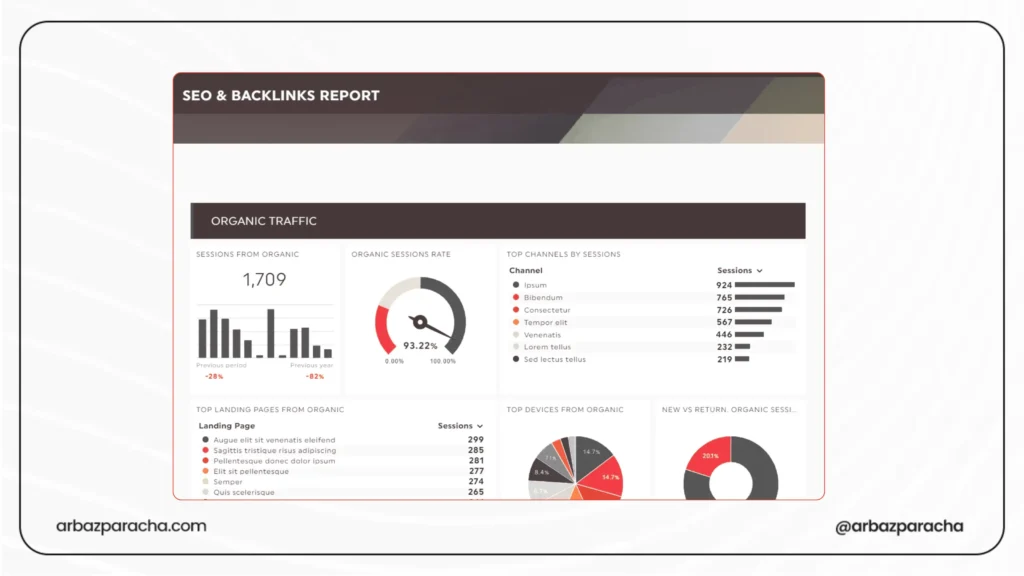
1. Interface Elements
Mobile score… 94. But open it on a phone and users see more interface than content.
Load your site on an actual phone
Measure how much viewport persistent elements consume
If it’s over 20%, you’re hurting experience
Fix it by shrinking headers on scroll. Auto dismiss banners. Delay chat widgets.
2. Forms
Your form technically works. But people have to:
- Navigate a calendar month-by-month to enter their 1987 birth year
- Retry phone numbers because you reject certain formats
Install Hotjar or Clarity
Watch 10 session recordings of form abandons
You’ll see the problems.
Fix it this way… Add search to long dropdowns. Let people type dates. Accept multiple phone formats.
3. Accidental Tap Targets
Your buttons are properly sized and spaced per guidelines. But ‘Add to Cart’ sits 8px from a ‘Similar Products’ link.
Session recordings show rage clicks, people tapping repeatedly because they keep hitting the wrong thing.
Fix it this way… Give important buttons 16px+ breathing room on mobile.
Speed Issues Hidden in Averages
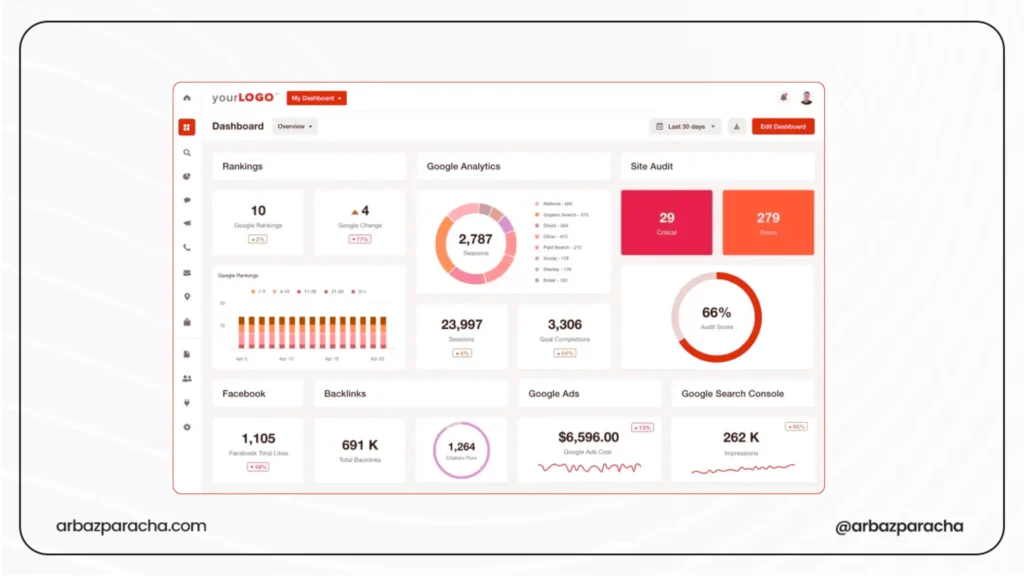
1. Geographic Performance Gap
Pingdom tests from Dallas? 420ms
Your real users in Southeast Asia?1,800ms.
Check Chrome UX Report in PageSpeed Insights. Compare field data (real users) to lab data (tests). If field data is significantly worse, geography is your problem.
Fix it by using a CDN. Even Cloudflare’s free tier helps.
2. Third-Party Scripts Under Load
PageSpeed tests with one user, fast connection. Shows 2.1s load.
Real users during peak traffic hit your analytics, A/B tests, chat widget, and ad scripts all loading simultaneously. Suddenly it’s 8 seconds on 4G.
Check Coverage Report in Chrome DevTools.
See how much JavaScript you load vs. actually use.
Fix it this way… Remove unused scripts. Load analytics async. Delay chat widgets until after page load.
Link Structure Problems
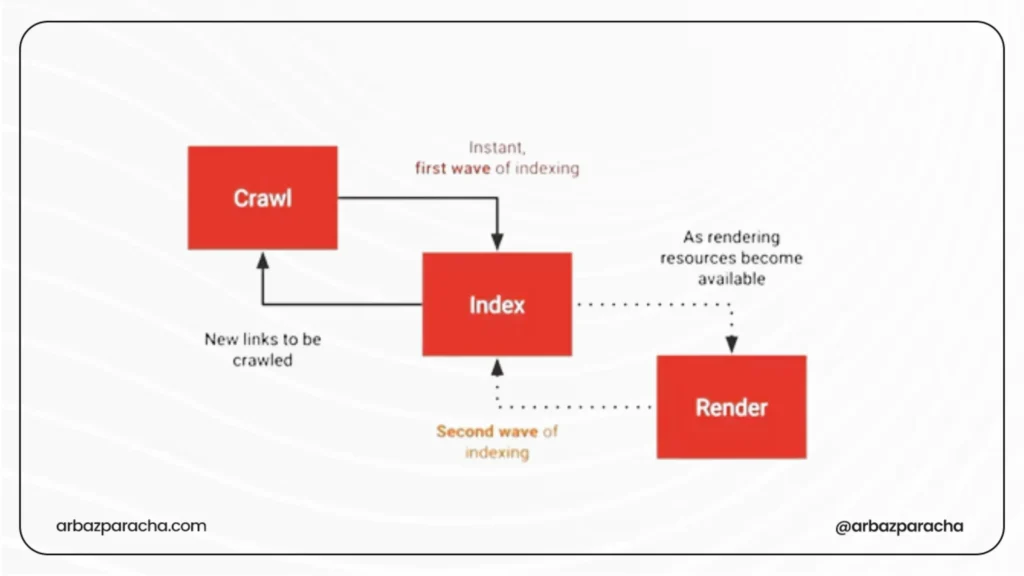
1. Redirect Chains Losing Equity
You have a backlink from a high-authority site. It points to the oldpage.html → page.html → page/ → blog/page/
Each redirect loses roughly 15% of link equity. Three redirects means you get maybe 60% of the original value.
Export all redirects
Look for targets that are also sources… those are chains.
Fix it by updating redirects to point directly to final URLs. One hop maximum.
2. Orphaned Pages
You have 800 pages indexed but 300 have zero internal links so they only exist in your sitemap.
- Crawl with Screaming Frog
- Export pages with 0 inlinks
- Cross reference with Search Console to see which are indexed
Fix It this way… Add contextual internal links. Every indexed page needs at least 3 to 5 internal links from related content. Technical SEO issues need to be fixed or they pile up to cost big errors for your website
3. Pagination Burying Good Content
Your best post from 8 months ago is on page 11 of your blog. Gets zero internal links except pagination.
Check Analytics for top organic pages and map where they appear in your site structure.
Fix it this way… Add popular posts sections. Create hub pages linking to your best content. Use new posts to link back to cornerstone pieces.
Enterprise-Specific Issues
1. Template Changes at Scale
Update a product template, accidentally remove schema markup. Now, 12,000 pages lost their structured data.
Fix it this way… Test template changes on staging with 100 page samples. Set up Search Console alerts for rich result drops
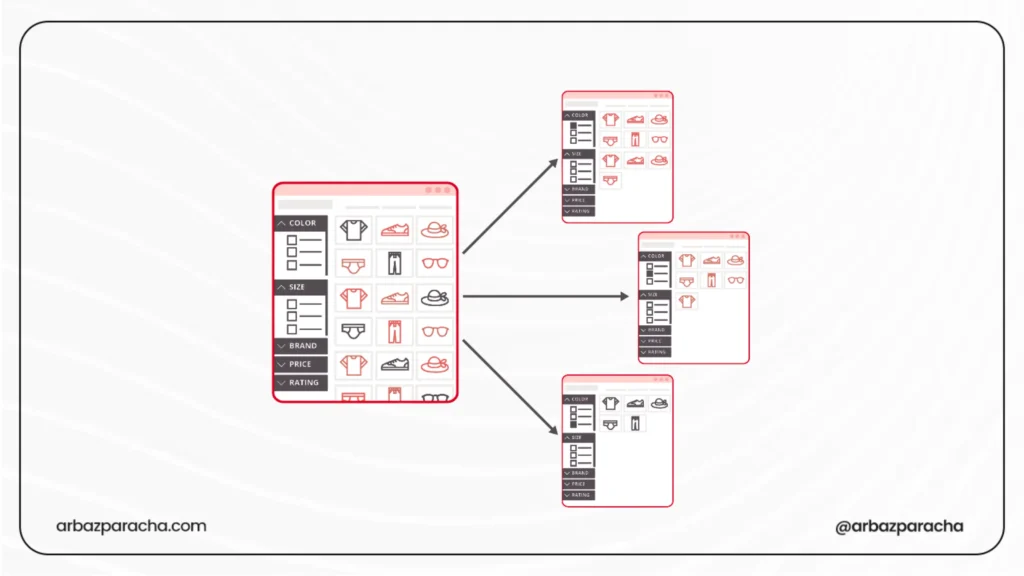
2. Faceted Navigation Creating URL Explosions
Filters for color, size, material, and price create 960 URL combinations per category. Multiply by 40 categories means 38,400 URLs showing mostly the same products
Check Search Console crawl stats
If ‘Discovered – currently not indexed’ keeps growing, this is often why.
Fix it by using canonical tags pointing filtered pages to main categories. Or use JavaScript filtering without URL changes.
How to Find These?
Monthly checks:
- Use your site on real devices… desktop, phone, tablet
- Watch 20 session recordings in Hotjar/Clarity
- Search your target keywords and check actual results
- Compare Chrome UX Report field data to lab data
- Read 10 random pages, do they sound unique?
Tools catch the obvious stuff but sometimes the issues that actually hurt rankings need manual checking.
Your crawler won’t tell you your content sounds generic, your mobile UX frustrates users, or your best pages are buried.
That’s on you to find.