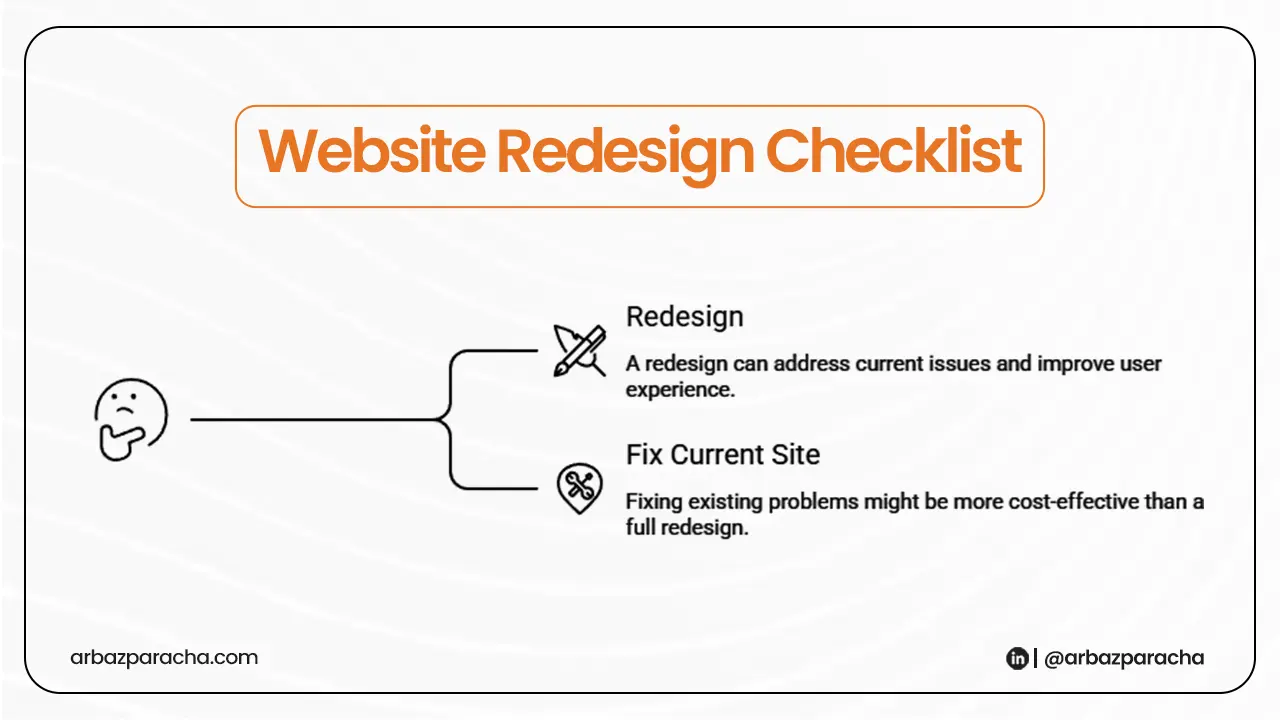
If you are a service business and have decided to redesign your website, make sure you see this website redesign checklist before making any changes
Before you even pick colours, fonts or layouts… make sure you know why the current site
A redesign without a checklist is just a prettier version of the same problem.
This guide walks you through exactly what to audit, fix, and prepare before you spend a single dollar on a rebuild.
Why Website need a Redesign?
Your website might look fine on the surface. But looking good and performing well are two very different things.
Here are the most common signs your site needs a redesign:
- Visitors land on it and leave within seconds
- Your phone isn’t ringing even though you’re getting traffic
- The site loads slowly on mobile
- You’re embarrassed to share the link with potential clients
- Your competitor’s site looks more trustworthy than yours
The goal of a redesign isn’t to make your website pretty. It’s to make it work, meaning it should bring in enquiries, calls, and booked jobs consistently.
So, If your current site isn’t doing that, something in the foundation is broken and you need to find it before you rebuild.
The Website Redesign Checklist
1. Audit Your Current Traffic First
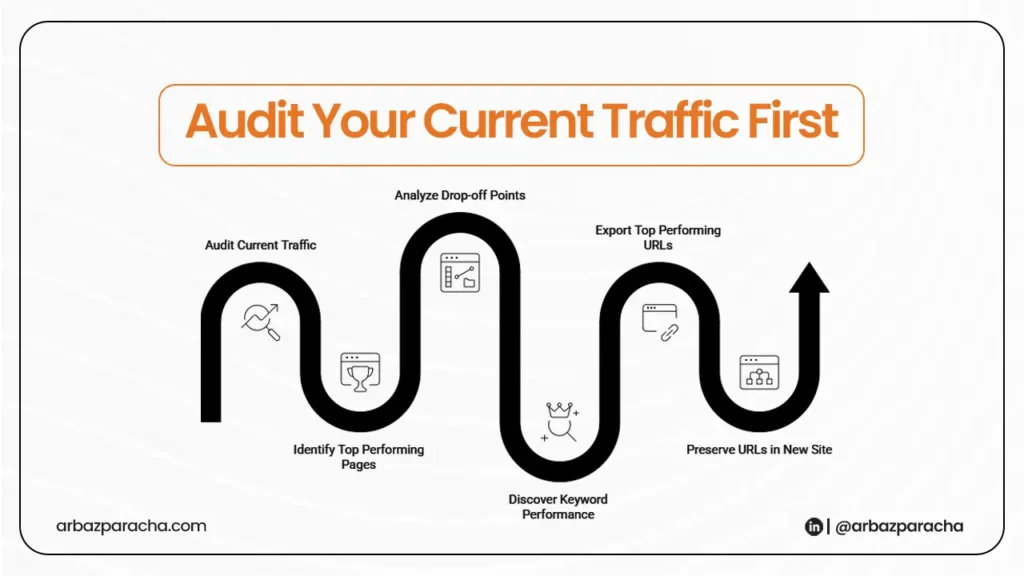
Before touching anything, look at your data.
Go into Google Analytics (or Google Search Console if you don’t have Analytics set up). Check:
- Which pages are getting the most visits
- Where people are dropping off
- What keywords are already bringing people in
You don’t want to accidentally kill pages that are doing well. This happens more than you’d think — a business rebuilds its site and loses 40% of its organic traffic because they deleted or renamed pages that were ranking.
Fix it: Export your top performing URLs. Make sure they’re preserved in the new site with the same slugs or proper redirects.
2. Clarify Your Messaging

This is the big one.
Most service business websites open with something like “Welcome to ABC Plumbing serving the local area for over 15 years.” That tells the visitor nothing useful.
A visitor lands on your homepage with one question: Can you solve my problem?
Your homepage needs to answer that within 5 seconds. If it doesn’t, they’re gone.
Fix it: Rewrite your headline to speak directly to what the customer gets.
3. Check Your CTA on Every Page
Go through your site right now. On every single page, ask yourself, what is the visitor supposed to do next?
If there’s no clear answer, that page is leaking leads.
Your CTA (call to action) should be obvious, specific, and repeated. Don’t make people hunt for your phone number or contact form.
Fix it: Add a visible phone number in the header, a contact button above the fold on every service page, and a form that takes less than 60 seconds to fill out.
4. Test Your Site Speed
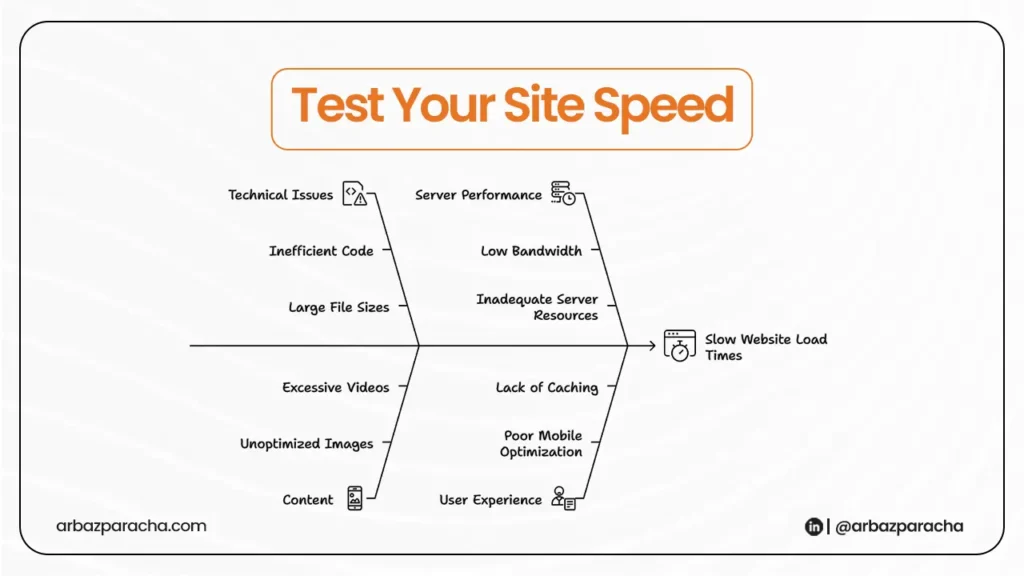
Page speed is not optional anymore. It directly affects both your Google ranking and whether visitors stay on your site.
A one second delay in load time can drop conversions significantly. On mobile, it’s even worse.
Fix it: Run your site through Google PageSpeed Insights (free tool). Anything under a score of 70 needs attention.
5. Check the Mobile Experience

About 60% of searches related to local services happen on the phone. If your site is a nightmare to navigate on mobile, you’re losing more than half your potential leads.
Click through your own site on your phone and check if every element is functional or not.
Fix it: Make your phone number a clickable tap to call link. Simplify navigation to 4 5 items max. Make sure forms don’t require pinching and zooming to fill out.
6. Audit Your Trust Signals
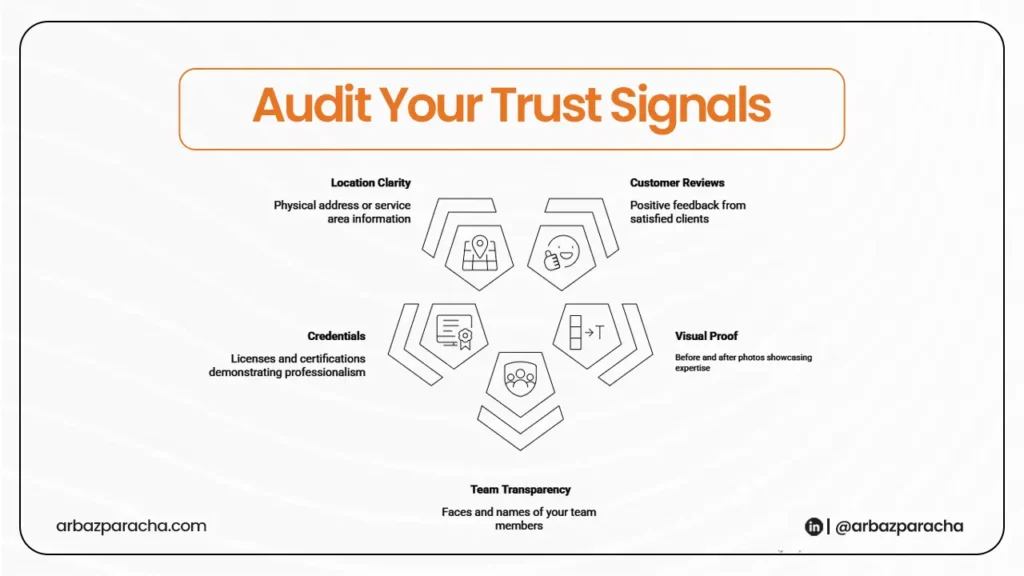
People hire service businesses they trust. Your website needs to build that trust fast, especially for first time visitors who’ve never heard of you.
Check if your site has:
- Customer reviews
- Before and after photos or project images
- Your team’s faces and names
- Licenses, certifications, or accreditations
- A physical address or clear service area
7. Review Your Service Pages
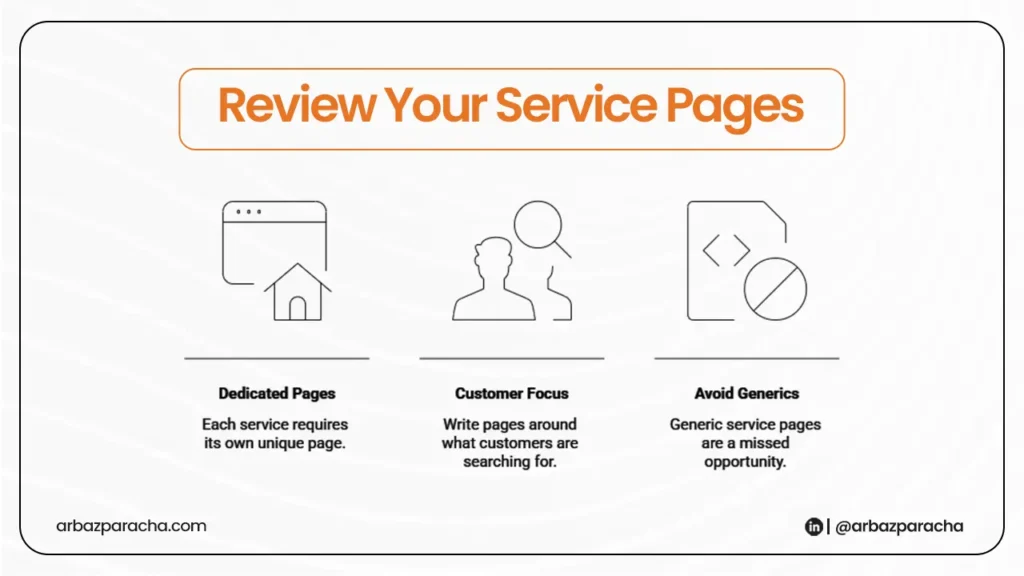
One of the biggest missed opportunities on service business websites is generic service pages.
Each service needs its own dedicated page, written around what the customer is actually searching for.
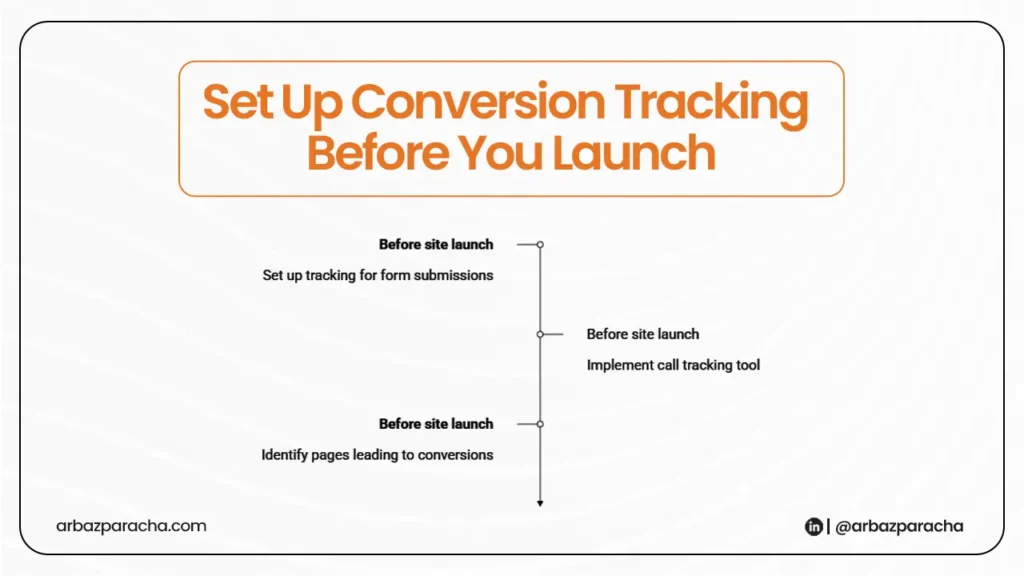
8. Set Up Conversion Tracking Before You Launch
Most businesses skip this step and then wonder why they can’t measure what’s working.
Before your new site goes live, make sure you have tracking in place for:
- Form submissions
- Phone calls (use a call tracking tool)
- Which pages lead to conversions
Without this data, you’re flying blind.
Tools to Use During Your Redesign
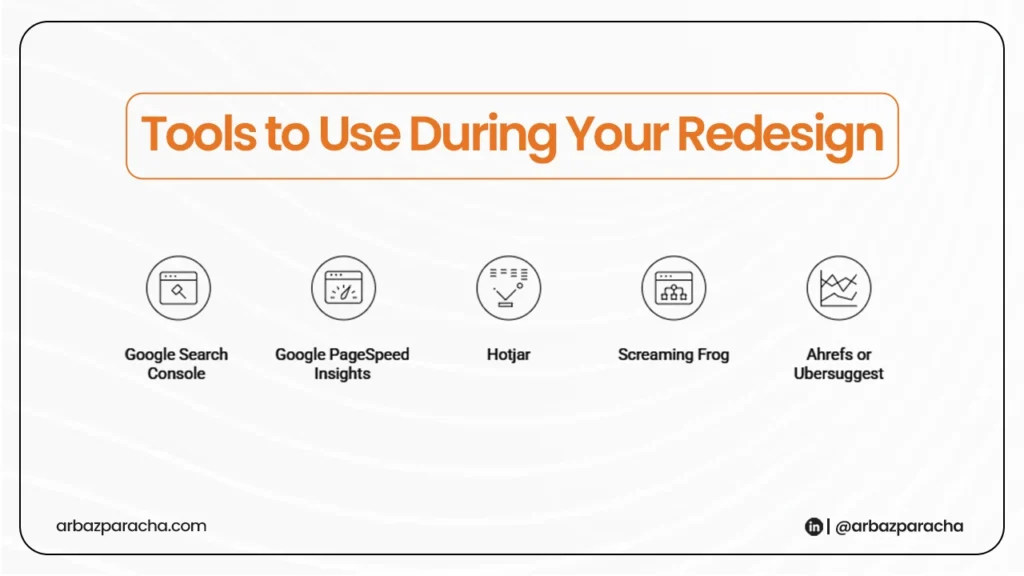
You don’t need to spend a fortune. Here are the tools that actually help:
- Google Search Console
It’s free. Shows you which keywords bring traffic, which pages rank, and any technical errors on your site. - Google PageSpeed Insights
It’s free. Tests your site speed and gives you a clear list of what to fix. - Hotjar
It shows you heatmaps of where visitors click and scroll. You’ll quickly see what they’re ignoring on your current site. - Screaming Frog
Crawls your existing site and exports all your URLs, titles, and meta data. Essential before a migration so nothing gets lost. - Ahrefs or Ubersuggest
Check which of your current pages are getting backlinks or ranking for keywords. Don’t lose that equity in the rebuild.
FAQ
Should I keep my existing content or start fresh?
Keep what’s working. If a page is ranking or bringing in traffic, don’t delete it, update it. Start fresh only on pages that have zero traffic and don’t serve a clear purpose.
Will a redesign improve my Google ranking?
It can, if done correctly. Better site speed, clearer content structure, and proper on-page SEO all help rankings. But a redesign done without these in mind can actually hurt your rankings if pages get deleted or URLs change without proper redirects.
How much does a website redesign cost for a small service business?
It varies widely. DIY builders like Webflow or WordPress with a premium theme can cost a few hundred dollars. A professional redesign with SEO and conversion optimization built in typically ranges from $2,000 to $8,000. What you spend on design you’ll likely save on ads if the site actually converts.
Do I need a new domain for a redesign?
No, Keep your existing domain. It already has authority and history in Google’s eyes. Starting fresh on a new domain means starting from zero in search rankings.