Before we start talking about local SEO mistakes, let me start from scratch
GBP is a big part of local seo as we all know. Imagine you’ve claimed your GBP, added location pages even used the right keywords.
But the ranking didn’t even change a bit
The issue usually isn’t what you haven’t done, it’s what you’ve done wrong without realising it. These are the local seo mistakes that don’t announce themselves. They just quietly drain your visibility over time.
But let’s first understand local SEO
What Is Local SEO?
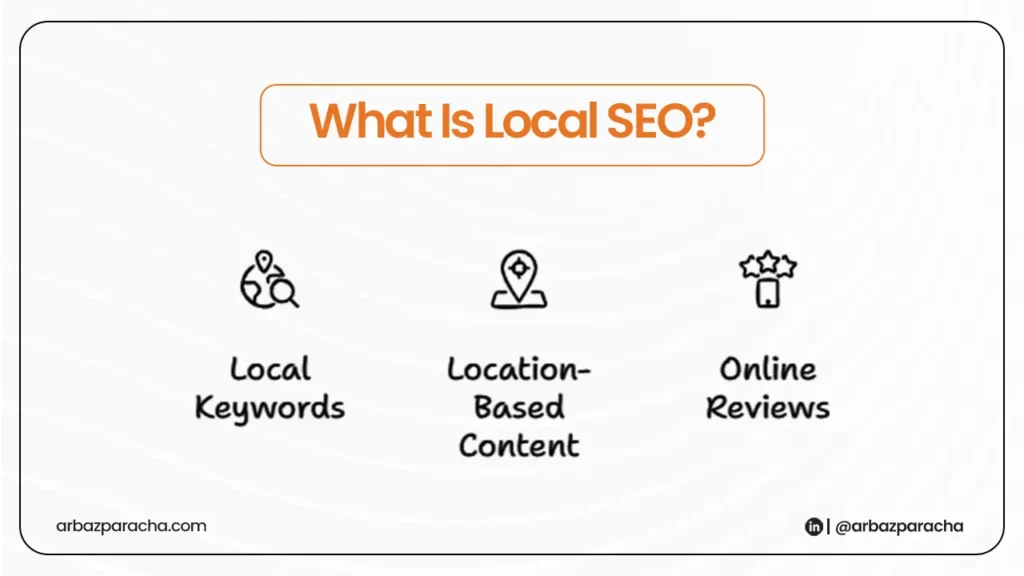
Most of you might be thinking what is local SEO and why it’s easy to got wrong?? right?
Local SEO is how your business appears when someone nearby searches for what you offer, like “electrician near me,” “best coffee shop in Denver,” that kind of thing.
It matters because over 46% of Google searches have local intent but local SEO is also fragile. One structural mistake, one inconsistency in your data, and Google stops trusting your signals, without ever telling you why.
The Local SEO Mistakes
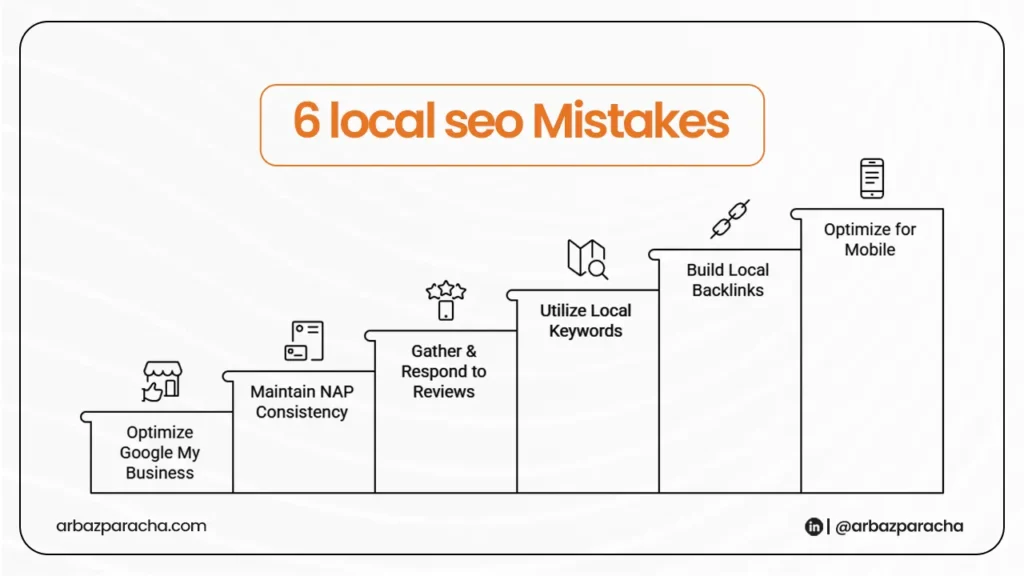
1. Duplicated Location Pages
You serve four cities, so you build four pages with same content, different city name swapped in. Google sees this as near duplicate content and suppresses most of them.
Each location page needs genuinely different content, local references, area-specific services, real testimonials from that location. If you can’t write something real about a city, you’re not ready for that page yet.
2. Keyword Cannibalization
Your service page targets “plumber in Austin.” Your blog post is titled “Why You Need a Plumber in Austin This Winter.” Now they’re competing against each other — and Google picks one, usually not the one with your contact form.
Run site:yourdomain.com [keyword] in Google. If multiple pages show up for the same term, decide which one owns it. Consolidate or differentiate the rest.
3. Weak Internal Linking to Location Pages
Your location pages exist in a navigation dropdown and nowhere else.
Go through your top-traffic pages and add contextual links to your location and service pages where they naturally fit. This alone can move rankings.
4. Over Optimized GBP
Things like keyword stuffed business name, every category selected and a description that reads like a keyword list.
Google has gotten good at detecting this and the result isn’t a penalty notice, just quietly lower rankings.
Your business name should match your real name and for this you have to pick your primary category carefully like it must reflect your main service and not everything you do.
5. Inconsistent Service Areas
Your GBP lists five cities, your website mentions three, and your Yelp listing says something different entirely.
Google is trying to understand where you operate and these kinda conflicting signals create uncertainty, and uncertainty always hurts rankings.
6. Outdated Local Schema
You set up LocalBusiness schema once and never touched it again. Then you changed your phone number, updated your hours, and maybe moved locations.
But the schema still shows the old data and that’s not a good thing
It’s better to validate your schema with Google’s Rich Results Test. Make sure your address, phone, and hours match exactly what’s on your GBP. Update it every time anything changes.
This is one of the most overlooked local seo mistakes in 2026
Common Misconceptions
→ “More reviews = better rankings”
Reviews are one signal but weak technical SEO will cancel them out.
→ “GBP alone is enough”
GBP works best when it’s backed by a solid website.
→ “Ranking in one city means nearby cities will follow”
Each area needs its own signals.
→ “Fixes show results fast”
Expect 4 to 8 weeks minimum after fixing technical issues.
How to Fix This
Don’t start optimising instead start auditing.
- Check location pages for duplicate content
- Search site:yourdomain.com [keyword] for cannibalization
- Pull a crawl report and see how many internal links point to your location pages
- Validate schema with Google’s Rich Results Test
- Pull your top citations and compare service areas across all of them
These are common local SEO mistakes that don’t look like mistakes until you go looking for them, which is exactly why most businesses never find them.