Your website probably has issues you don’t even know about. You might be getting some traffic. Maybe a few people find you on Google. Your site looks decent. But you’re losing potential customers every single day because of problems hiding beneath the surface. Yes… You need to audit website seo
A business thinks their site is fine, then we run an audit and find pages Google can’t even crawl, content that’s been penalized, or speed issues killing conversions. These aren’t small problems at all.
The good news? Most of these issues are fixable once you know they exist.
That’s exactly what we’re covering today.
I’m going to walk you through how to audit website SEO properly, so you can stop leaving growth on the table.
What Is a Website SEO Audit?
I know what you are thinking… how to actually do a website audit?
Think of an SEO audit like taking your car to a mechanic for a full inspection.
Sure, your car might be running. But is the engine working efficiently? Are the brakes safe? Is something about to break down that you can’t see yet?
A website SEO audit does the same thing for your site. It’s a deep dive into everything that affects how Google sees you, how users experience your site, and ultimately, whether you’re showing up in search results or getting buried.
So If you are offering SEO audit services, you need to answer these questions…
- Can Google even find your pages? Sometimes, sites have technical blocks that prevent search engines from crawling important content. You could have the best content in the world, but if Google can’t see it, it doesn’t matter.
- Is your site technically broken? Slow load times, mobile issues, broken links, they directly tell Google your site isn’t worth ranking
- Does your content actually answer what people are searching for? You might be writing about the right topics but completely missing what your audience needs to hear.
- Are other sites backing you up? Your backlink profile tells Google whether you’re trustworthy or just another random site screaming into the void.
An audit gives you the full picture. You get a clear roadmap of what needs to be fixed first.
Why We Need SEO Audits?
If you’re not auditing your site regularly, you’re slowly dying online and don’t even know it.

Most people only notice when it’s too late. Traffic drops 30%, leads dry up, and then they scramble to figure out why. An audit prevents this. It catches problems before they cost you serious revenue.
Let me break this down for you.
- Google keeps changing the rules. What worked last year might be hurting you today.
- You can’t fix what you can’t see. This is the biggest reason audits matter. Most SEO problems are invisible to the average business owner.
The sites that dominate search results share one thing in common… they audit regularly, fix what’s broken, and continuously optimize.
Types of SEO Audits
Depending on what you’re trying to accomplish or what problems you’re facing, you’ll need different types of analysis.
Technical SEO Audit
If your technical SEO is broken, nothing else you do matters.
A technical audit looks at:
- Can Google actually crawl your pages, or are there blocks stopping them?
- How fast does your site load? (Hint: if it’s over 3 seconds, you’re losing people)
- Does your site work properly on mobile?
- Are your sitemaps and robots.txt files set up correctly?
- Is your site secure with HTTPS?
- Do you have broken links or redirect chains slowing things down?
Use tools like Screaming Frog SEO spider
On-Page SEO Audit
This examines what’s actually on your pages, the content people see and how it’s optimized.
An on-page audit checks:
- Are your title tags and meta descriptions compelling and optimized?
- Do your headers make sense and include relevant keywords?
- Is your content deep enough, or are you publishing thin, surface-level stuff?
- Are images properly tagged with alt text?
- Do your URLs make sense or look like random gibberish?
- Are you linking to other relevant pages on your site?
Use tools like Semrush and Ahref
Off-Page SEO Audit
This looks at factors outside your website that influence how Google sees your authority.
An off-page audit analyzes:
- How many quality sites are linking to you?
- What’s your domain authority compared to competitors?
- Are there toxic or spammy links hurting your reputation?
- Are people mentioning your brand across the web?
- Where do your competitors get their backlinks from?
Use SEMrush for Off page audit
Content Audit
This specifically focuses on whether your content is actually working or just taking up space.
A content audit reviews:
- Which pages get traffic and which are dead weight?
- Do you have duplicate content issues?
- Is your content fresh or outdated?
- Are you covering topics your audience actually cares about?
- Does your content convert visitors into leads or customers?
Local SEO Audit
If you serve customers in specific geographic areas, this is essential
A local audit examines:
- Is your Google Business Profile fully optimized?
- Is your business name, address, and phone number consistent everywhere online?
- Are you listed in relevant local directories?
- How many reviews do you have, and what’s your average rating?
- Do you show up for local search terms in your area?
Most comprehensive audits blend all these categories because everything connects. A technical problem can ruin great content.
Google analytics 4, Brightlocal and SEMrush for Local seo audit
10 Things SEO Audit Must Include
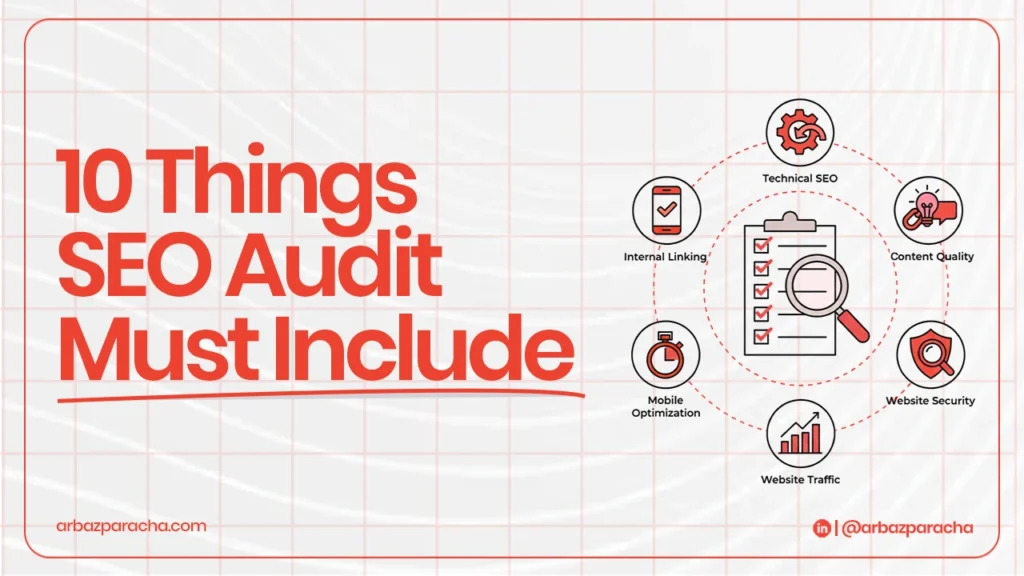
If you’re doing your own audit or hiring someone, here’s exactly what needs to be checked.
1. Crawlability and Indexation Status
This is step one because if Google can’t crawl your site, nothing else matters.
Check:
- Are all your important pages actually indexed in Google?
- Are there crawl errors in Google Search Console?
- Is your robots.txt file accidentally blocking important pages?
- Does your XML sitemap exist and is it submitted to Google?
- Do you have orphan pages (pages with no internal links pointing to them)?
Log into Google Search Console and look at the “Pages” report. You’ll see exactly which pages are indexed and which have issues.
2. Site Speed and Performance
Speed isn’t just about user experience; it’s a direct ranking factor.
Measure:
- Core Web Vitals
- Time to First Byte, how fast your server responds
- Total page load time on both mobile and desktop
- Are images optimized or are you loading massive files?
- Is your hosting fast enough or dragging you down?
Use Google PageSpeed Insights. Type in your URL and it’ll give you a score plus specific issues to fix.
3. Mobile Optimization
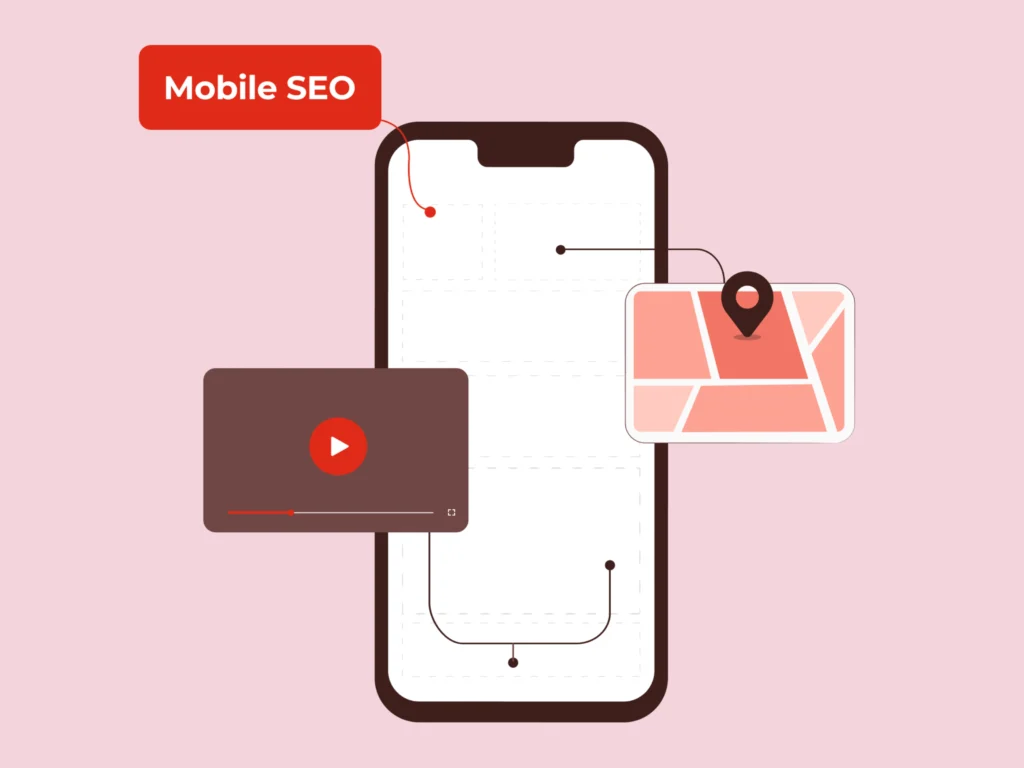
Google uses mobile-first indexing now. That means they look at your mobile site to determine rankings, not your desktop version.
Verify:
- Does your site resize properly on all screen sizes?
- Can people easily tap buttons and links on mobile?
- Is text readable without zooming?
- Does your navigation work smoothly on touch screens?
- Are there annoying popups blocking content on mobile?
Look at your site on your actual phone and use Google’s Mobile-Friendly Test tool for technical validation.
4. On-Page SEO Elements
Every single page needs proper optimization. Period.
Review:
- Do you have unique, descriptive title tags (50-60 characters)?
- Are meta descriptions compelling and under 160 characters?
- Do your headers (H1, H2, H3) use keywords naturally?
- Are keywords placed in the first 100 words of content?
- Do all images have descriptive alt text?
- Are your URLs clean and readable, not random strings?
- Are you linking to related content within your site?
Install an SEO browser extension like SEO Meta in 1 Click or MozBar to see this data instantly on any page
5. Content Quality and Relevance
Content is still the foundation of SEO, but only if it’s actually good.
Evaluate:
- Does your content match what people are searching for?
- Is it comprehensive or just surface-level fluff?
- Do you have thin pages (under 300 words) that add no value?
- Is there duplicate content across multiple pages?
- When was content last updated? Old content loses relevance.
- Are keywords used naturally or does it sound forced?
- What topics are your competitors covering that you’re not?
Use Google Search Console’s Performance report to see which pages get clicks and which get impressions but no clicks.
6. Technical Architecture
Your site structure affects how Google understands and ranks your pages.
Analyze:
- Is your site hierarchy logical and easy to navigate?
- Do you have a strong internal linking strategy?
- Are there canonical tags to prevent duplicate content issues?
- Do you have redirect chains (redirects that point to other redirects)?
- Are there broken links and 404 errors?
- Is schema markup implemented to help Google understand your content?
- Is every page secured with HTTPS?
Tools like Screaming Frog can crawl your entire site and flag technical issues automatically.
7. Backlink Profile
Your backlinks tell Google whether you’re authoritative or not.
Examine:
- How many domains are linking to you?
- Are these quality sites or spammy directories?
- What anchor text are people using to link to you?
- Do you have toxic links that need to be disavowed?
- Have you lost important backlinks recently?
- Where are your competitors getting links that you’re not?
Use tools like Ahrefs, SEMrush, or Moz to analyze your backlink profile and compare it to competitors.
8. User Experience Signals
Google tracks how people interact with your site after clicking from search results.
Check:
- What’s your bounce rate by page?
- How long do people stay on each page?
- How many pages do they view per session?
- Which pages cause people to leave your site?
- What’s your click-through rate from search results?
- Are engagement metrics better or worse on mobile vs. desktop?
Google Analytics shows all these metrics. Focus on pages with high bounce rates or low time on page… those need work.
9. Local SEO Factors
For businesses targeting specific geographic areas, these matter more than almost anything else.
Include:
- Is your Google Business Profile 100% complete?
- Is your Name, Address, Phone (NAP) exactly the same everywhere online?
- Are you listed in relevant local directories like Yelp, Yellow Pages, industry-specific sites?
- How many reviews do you have and what’s your rating?
- Do you rank for “[your service] near me” or “[your service] in [your city]”?
- Do you have location-specific content on your website?
Google your business name and see what comes up. Then search for your main service + your city and see where you rank.
10. Competitive Analysis
Never audit in isolation.
Compare:
- How do your metrics stack up against top competitors?
- What keywords do they rank for that you don’t?
- How are they getting backlinks?
- What content are they publishing that you’re missing?
- What technical advantages do they have over you?
Use SEMrush or Ahrefs to enter competitor URLs and see their complete SEO profile.
How to Use Your Audit Results?
Getting the audit done is just the beginning. The real value comes from taking action on what you discover.