If you’ve ever moved a page on your website, changed a URL, or switched your CMS, someone has probably told you to set up a 301 redirects. But then comes the follow up worry and we end up thinking wait, does that hurt my rankings?
It’s a fair question and honestly, there’s a lot of conflicting information out there. Some SEO guides from five years ago still warn you that redirects mess with your website, Others say they’re completely harmless.
The reality is somewhere in the middle and it depends entirely on how you use them.
Let’s walk through it properly.
A Bit of Context
301 redirects became a hot topic in SEO around 2010, when Google representatives mentioned that they might not pass 100% of a page’s ranking signals. At that point SEO forums went into a panic. People started treating redirects like they were something to avoid at all costs.
That advice has aged badly.
But SEO has changed significantly since then, and so has Google’s handling of redirects. But the old myths still circulate and that’s the reason people are still searching for answers today.
If you’ve recently done a site migration, a CMS switch, or even just cleaned up some old URLs, this is worth understanding properly before you make any decisions.
What Are 301 Redirects and What Role Do They Play?
A 301 redirect is a server-level instruction that tells browsers and search engines that “This page has permanently moved to a new address.”
The “301” is the HTTP status code. The word “permanent” is the important part, it’s what distinguishes it from a 302, which signals a temporary move.
In SEO, 301 redirects serve three main purposes:
1. Preserving link equity
Every backlink pointing to your old URL carries ranking power. Without a redirect, that value disappears when the old URL no longer exists. A 301 redirects passes that authority to the new page.
2. Avoiding 404 errors
A page that returns a 404 is a dead end for both users and search engines. A 301 redirect solves this cleanly.
3. Consolidating authority during migrations
When you move to a new CMS, rebrand, or restructure your site, 301 redirects are what protect the SEO value you’ve built up over years.
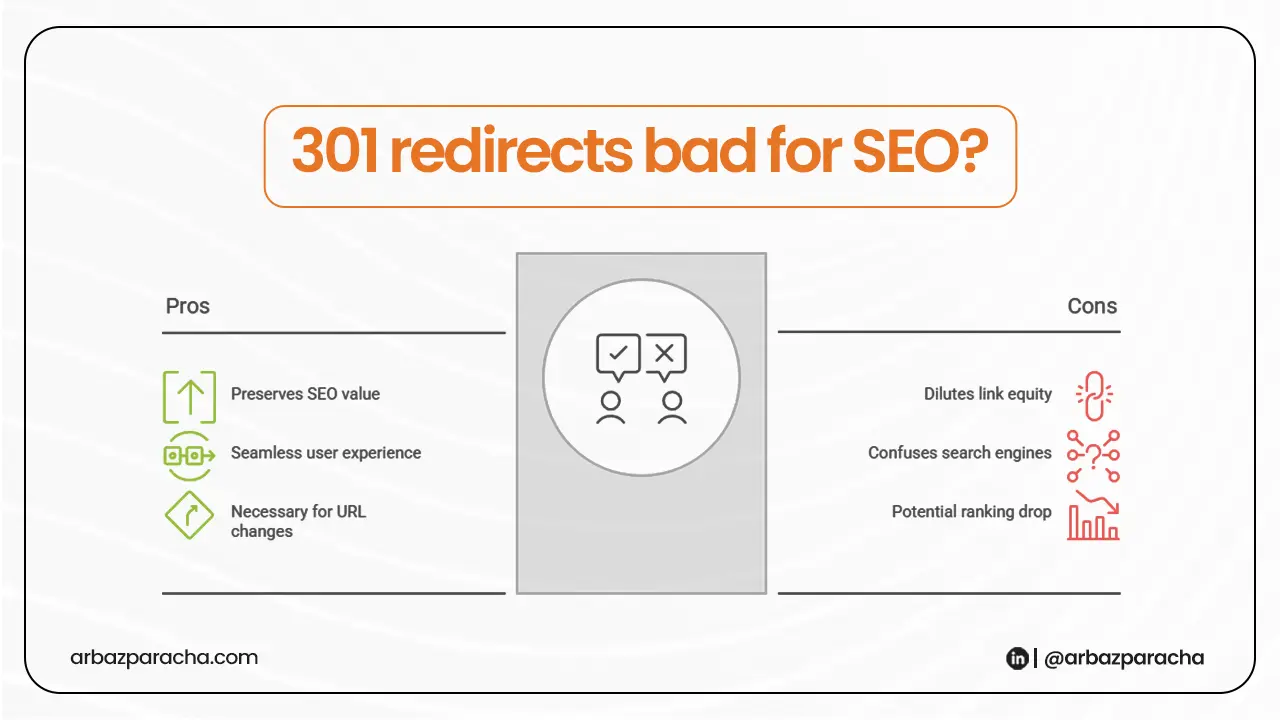
301 Redirects Bad for SEO?
This is the more discussed question and the more important one too
A single 301 redirect from an old URL to a relevant new page is fine. Google’s own Gary Illyes confirmed back in 2016 that 30x redirects (including 301s) do not cause PageRank loss. That position hasn’t changed since and according to Google Search Central’s official documentation, 301 redirects pass ranking signals to the destination page.
But here’s where it gets complicated. Problem starts when you have too many redirects or when they are set up badly
301 redirects can hurt SEO in these situations:
1. Redirect chains
A redirect chain is when URL A redirects to URL B, which then redirects to URL C.
Google’s own documentation states clearly:
“Avoid long redirect chains, which have a negative effect on crawling.”
Googlebot can technically follow up to around 10 hops, but industry data shows it often stops much earlier, especially on larger sites. Every unnecessary hop is a resource Google didn’t need to spend on your site.
2. Redirecting to irrelevant pages
This one is commonly misunderstood. If you redirect an old blog post about “CMS migration tips” to your homepage, Google may treat that as what’s called a “soft 404”, effectively ignoring the redirect because the destination has nothing to do with the original page.
3. Too many legacy redirects from old migrations
If you’ve done multiple site migrations or redesigns over the years, you might be sitting on dozens or hundreds of redirects that are no longer serving any real purpose. Old campaign landing pages, retired product pages, URLs that don’t get any traffic or backlinks anymore.
It’s better to remove them
The Better Way to Use 301 Redirects
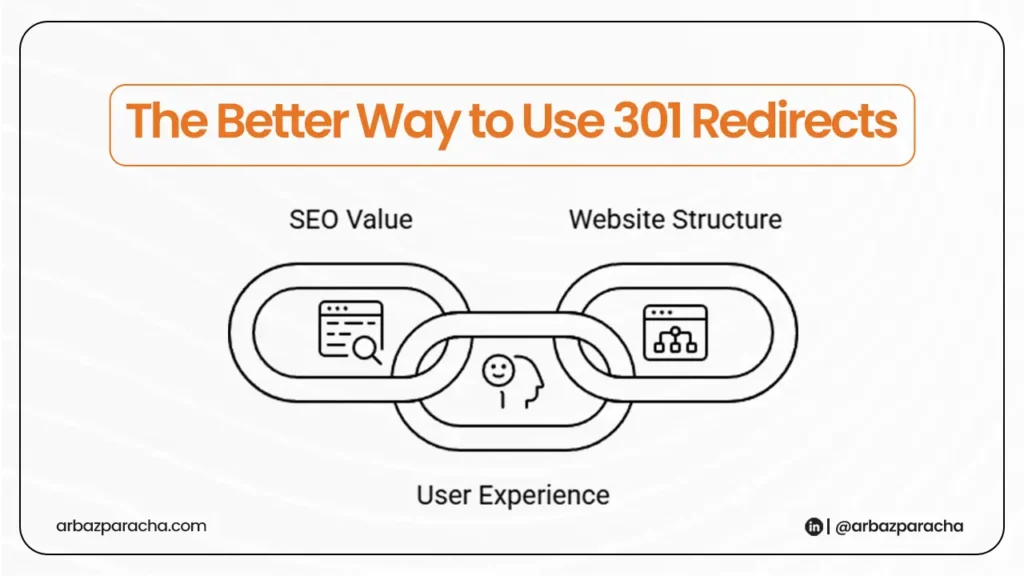
Now that you know what can go wrong, here’s how to use them properly:
→ Keep it one hop.
Always redirect directly from the old URL to the final destination. Never let redirects chain from one to another.
If you set up redirects during a past migration and they’ve since accumulated extra hops, go back and flatten them so each one goes old to new in a single step.
→ Match the destination to the original page
The redirect should point to the closest relevant equivalent on your new site. If an exact match doesn’t exist, find the most topically similar page. It’s better to avoid pointing everything to your homepage as it rarely helps and often signals a soft 404 to Google.
→ Audit old redirects regularly
After any major site change, find redirect chains, loops, and broken redirect destinations. Treat this as standard maintenance, not a one-time task.
→ Update your internal links
Once you’ve set up redirects, go back and update internal links throughout your site to point directly to the new URLs. This reduces unnecessary crawl hops and keeps things clean.
→ Keep redirects in place for at least 12 months
After a CMS migration or major URL change, don’t remove your 301 redirects too soon. Google recommends leaving them active for at least a year while search engines and external sites update their references to your new URLs.
The bottom line is that 301 redirects aren’t bad for SEO. Done right, and they are actually helpful. The problems come from redirect chains, irrelevant destinations, and accumulated legacy redirects that nobody has cleaned up.
If you’ve recently migrated your CMS and aren’t sure whether your redirects are set up correctly, that’s worth checking before Google finishes re-crawling your site because by the time the traffic drop shows up in your Search Console, the damage is already done.