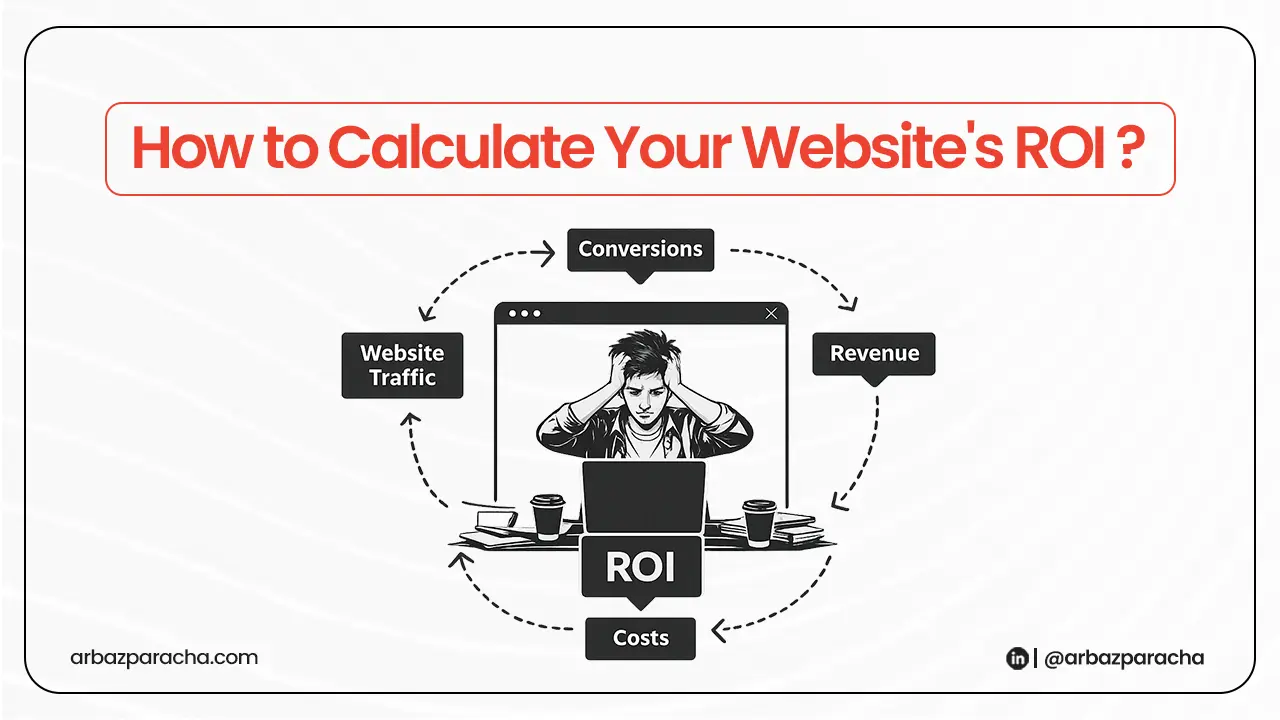
Most business owners have no idea if their website is making them money or in other words if their website ROI is clear or not.
You paid for a website. Maybe you’re spending money on hosting, updates, or content. But is it actually worth it?
That’s what calculating your website ROI tells you. And it’s simpler than you think.
Why Bother Calculating Website ROI?
Because you need to know if your website is working or just existing.
I’ve seen businesses spend thousands on a redesign and never check if it brought in a single customer. They assume traffic means success. It doesn’t.
Traffic is nice. Revenue is what matters.
When you know your website ROI, you can decide: Should I invest more in this? Should I fix something? Or should I completely rethink my approach?
The Basic Formula
Here is your website’s roi calculator:
Website ROI = (Revenue from Website – Cost of Website) / Cost of Website × 100
That’s it. Now let’s make sense of it.
Step 1: Add Up What Your Website Costs
Don’t overthink this. Just add everything you spent on your website.
What you paid once including:
- Design and development
- Any custom features you added
- Migration if you moved from another platform
What you pay regularly including:
- Hosting
- Domain name
- Maintenance (if someone’s doing updates for you)
- Content writing
- Tools you use (SEO tools, email platforms, analytics)
Write it all down and add it up.
Let’s say your total for the year is $6,000. That’s your cost.
Step 2: Figure Out Revenue from Your Website
If you run an online store, this is easy. Your sales dashboard tells you exactly what you made.
But if you’re a service business, you need to track how people find you.
Here’s how you can do it:
Ask every new customer: ‘How did you find us?‘
Keep a simple list. You’ll start seeing patterns. Some came from Google, some from referrals, some found your website and filled out a form or called.
Count the ones who came through your website. Multiply by what they paid you.
That’s your revenue from the website.
Example: You got 10 new customers from your website this year. Each one paid you an average of $3,000.
Revenue = 10 × $3,000 = $30,000
Step 3: Do the Simple Math
Take your numbers and plug them in:
ROI = ($30,000 – $6,000) / $6,000 × 100 = 400%
That means for every dollar you spent, you made $4 back.
That’s good.
But what if your number is lower? Or negative?
Then you know something’s broken. And that’s actually useful information.
What Website ROI Numbers Actually Mean
Let’s be realistic here.
If your ROI is above 200%, your website is doing its job. Keep doing what you’re doing and look for small improvements.
If it’s between 50% and 200%, it’s working but not great. There’s room to improve, better content, clearer calls to action, faster load times.
If it’s below 50% or negative, something’s fundamentally wrong. Either people can’t find you, or they’re leaving without taking action
Two Other Numbers Worth Tracking
Cost Per Customer
This one’s straightforward:
Cost Per Customer = Total Website Cost / Number of Customers
If you spent $6,000 and got 10 customers, you spent $600 to get each one.
Is that good? Depends on what they’re worth to you.
If your average customer pays you $3,000, spending $600 to get them makes sense.
If your average customer pays $500, you’ve got a problem.
Cost Per Lead
Not everyone who contacts you becomes a customer. That’s normal.
Cost Per Lead = Total Website Cost / Number of People Who Contacted You
If 25 people reached out through your website and you spent $6,000, that’s $240 per lead.
This tells you how efficient your website is at getting people interested, even if they don’t all buy.
The Part Everyone Forgets (Repeat Business)
Your website ROI isn’t just about the first sale.
If someone buys from you once and never comes back, that’s your number.
But most businesses get repeat customers. Some people buy twice. Some five times.
If your average customer comes back and spends another $3,000 over the next year, suddenly that 10 customer example becomes $60,000 in revenue, not $30,000.
Your ROI just doubled.
I’m not saying to guess at this but if you know your customers come back, factor that in. It changes the picture completely.
What to Do When Your ROI Looks Bad?
First, don’t freak out. At least now you know.
Do this instead:
1. Make It Easier for People to Contact You
Most websites lose people because it’s too hard to take the next step.
Your contact form asks for 10 fields? Cut it to three: name, email, message.
Your phone number is buried in the footer? Put it in the header.
People leave your site because you’re making them work too hard.
2. Stop Paying for Things You Don’t Use
Go through your expenses. Are you paying for premium hosting when basic would work fine? Subscriptions to tools you haven’t opened in months?
Cut them. Every dollar you save improves your ROI without doing anything else.
3. Fix One Thing at a Time
Don’t redesign your whole website because the numbers aren’t perfect.
Pick one thing. Maybe it’s your homepage headline. Maybe it’s adding testimonials. Maybe it’s speeding up your site.
Change it. Wait a month. Check if it helped.
Then move to the next thing.
How Often Should You Check This?
Every three months is enough.
Sit down, pull your numbers, do the math and see if things are getting better or worse.
If you’re improving, keep going. If you’re not, change something.
Real Point
Your website should make you more money than it costs. If it doesn’t, something needs to change.
Most people never check. They just hope it’s working.
You don’t have to hope. You can know.
Track what you spend. Track what you make. Compare them.
Then use that information to make better decisions.
Because a website that doesn’t generate ROI is just an expensive placeholder.
And you deserve better than that.