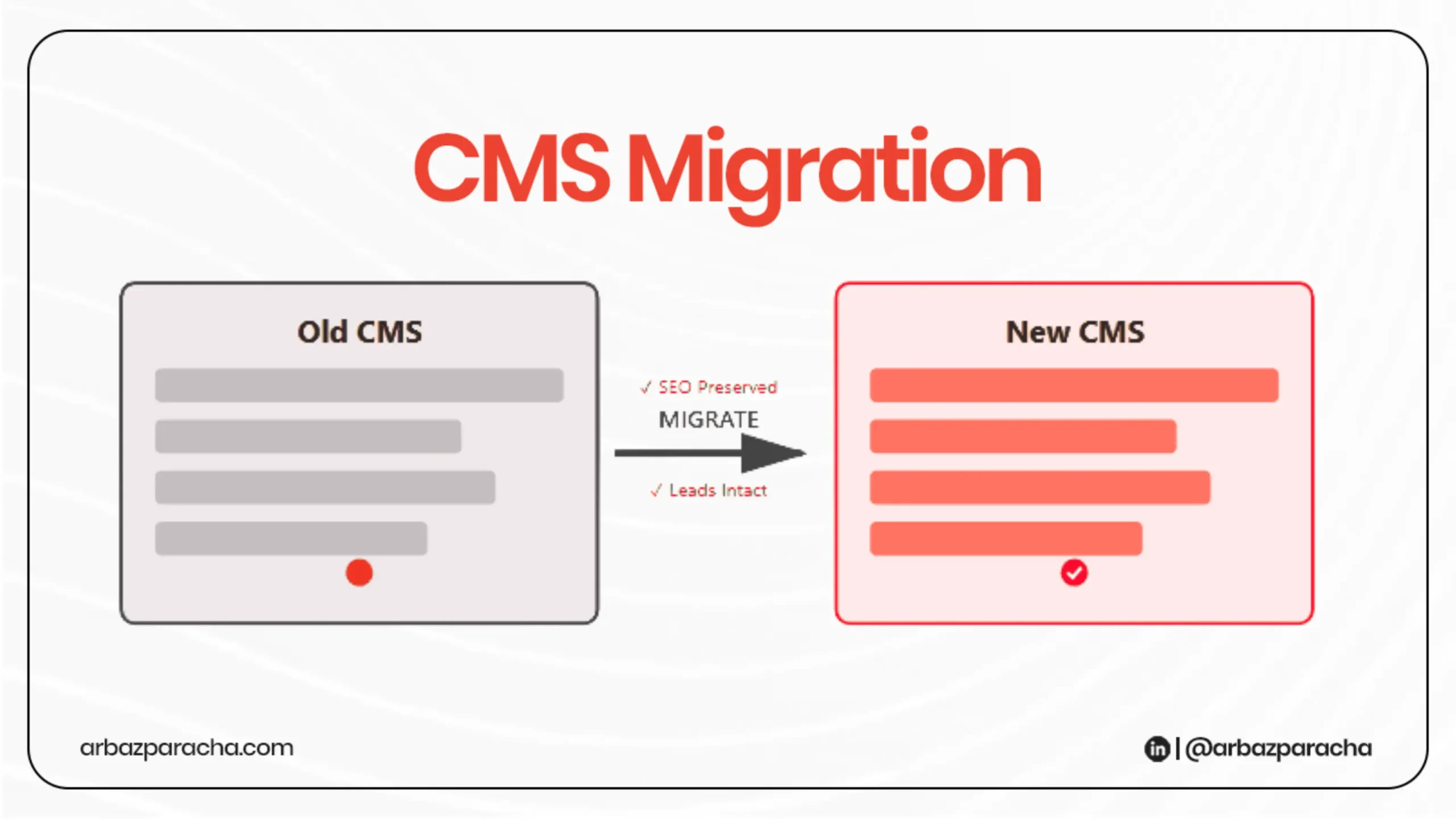
Moving to a new CMS platform is same as renovating your house while people are still living in it. One wrong move and things break. But with the right process, you can migrate CMS platform without sacrificing traffic or leads
Let’s walk through how to do this properly.
Why Migrations Go Wrong?
Most SEO disasters during CMS migrations happen because of three things.
Broken URL redirects, lost metadata, or broken lead capture forms.
Search engines see your site as fundamentally different, your rankings drop, and suddenly you’re explaining to stakeholders why organic traffic is down 40%.
But the good news here is that these problems are completely avoidable with proper planning.
Start With a Complete Audit
Before touching anything, you need to audit your site to know exactly what you have. Use Google Search Console and your analytics platform to document every URL on your current site, along with its traffic, rankings, and backlinks.
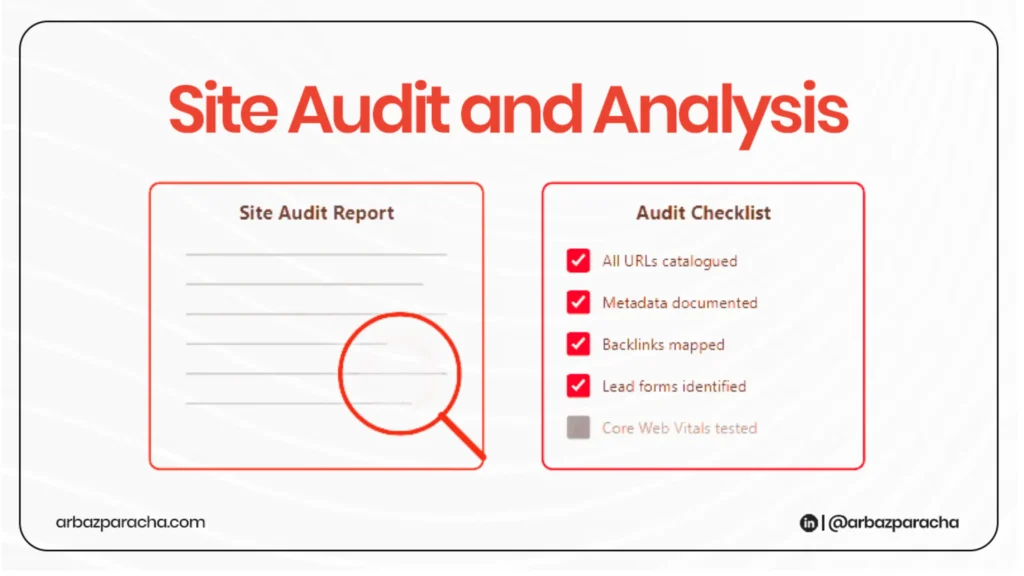
Pay special attention to pages that generate leads, your contact forms, downloadable resources, pricing pages. These are your revenue drivers, and they need to work flawlessly in the new system.
Run a crawl of your current site to catch broken links, duplicate content, and pages with thin or outdated information. This is your chance to clean house, not just move problems to a new platform.
Check your Core Web Vitals too. If your new CMS is slower than your old one, you’re setting yourself up for ranking drops regardless of everything else you do right.
Map Everything Before You Move
Create a spreadsheet that matches every old URL to its new destination. This sounds tedious, but it’s the single most important document in your cms migration.
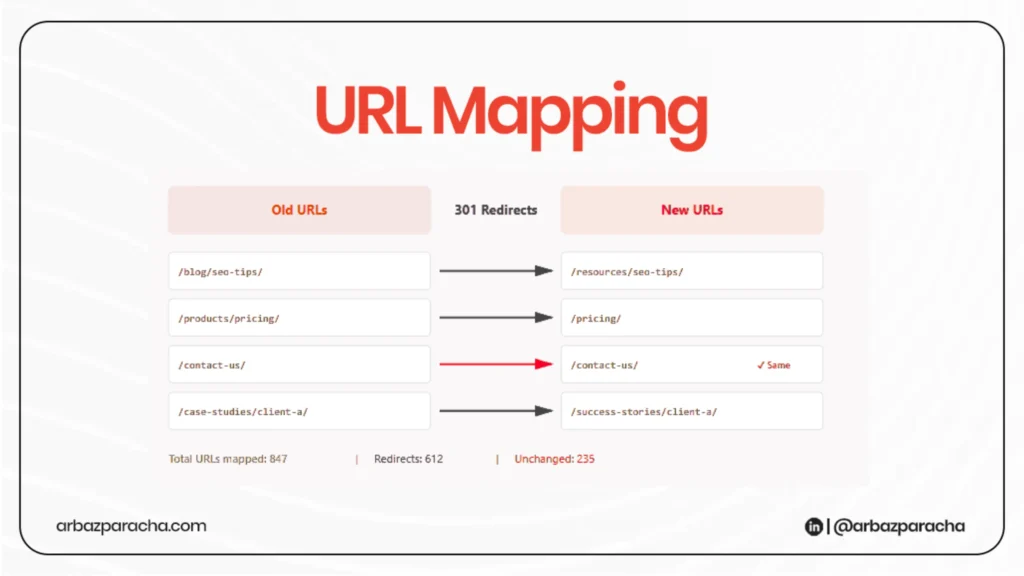
If your URL structure is changing… maybe you’re going from /blog/post-title/ to /resources/post-title/… document every single change.
If you’re keeping URLs the same, document that too. You’ll reference this constantly
For content transfer, export everything in a format that preserves your metadata.
Most modern CMS platforms can handle XML or CSV imports. Test the import process on a staging site first with a small batch of content to catch formatting issues early.
Check that custom fields, meta descriptions, title tags, and alt text all carry over correctly. Automated imports sometimes strip this information out, and rewriting metadata for hundreds of pages manually is not how you want to spend your time.
Protect Your SEO Foundation
301 redirects are non negotiable for any URL that changes. These tell search engines that this page permanently moved here and pass along the ranking power from the old URL to the new one.
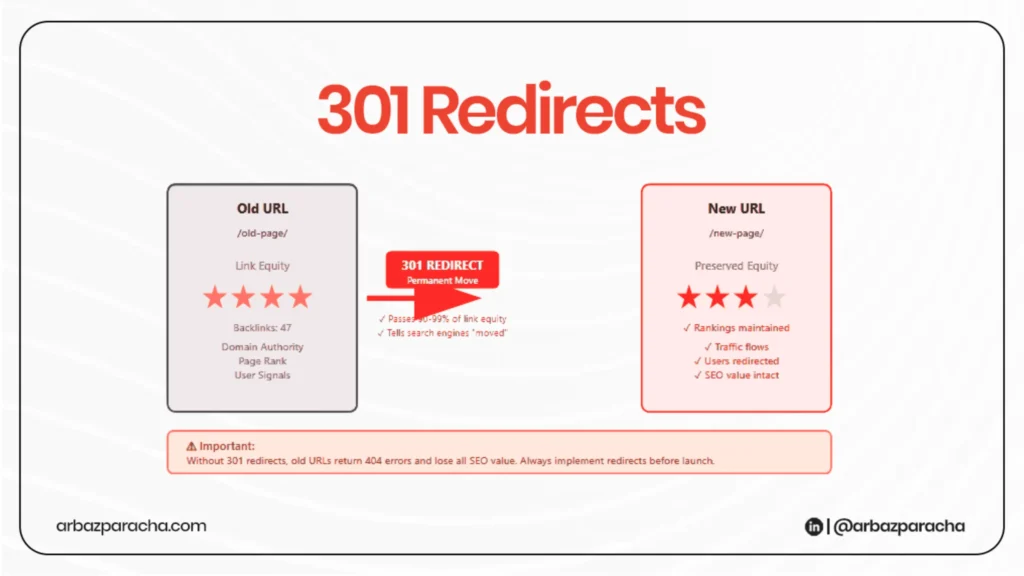
Set up redirects before launch, not after. Test them individually on your staging site. A redirect chain (where URL A redirects to URL B, which redirects to URL C) wastes link equity and slows page load times, so keep redirects direct.
Your robots.txt file controls what search engines can crawl. Make sure it’s configured correctly on the new platform.
Generate a fresh XML sitemap that reflects your new structure and verify canonical tags point to the correct versions of your pages. If you run an international site, doubl-check that href tags are properly configured to avoid language specific traffic issues.
Test Everything Twice
Your staging site should be an exact replica of what’s going live. Test every lead form, every CTA, every newsletter signup. Click through navigation menus. Try searching your internal site search.
Load pages on mobile devices and slow connections. Run PageSpeed Insights and fix any glaring performance issues before launch.
Have someone who wasn’t involved in the migration test the site. They’ll catch things you’ve become blind to after weeks of working on the project.
Launch
When you’re ready to go live, plan it for a low-traffic period. Switching over on a Monday morning is asking for stress you don’t need.
Update your DNS settings to point to the new platform, then immediately verify that redirects are working in the live environment. Sometimes things that worked perfectly in staging break in production due to server configuration differences.
Submit your new sitemap to Google Search Console right away. Use the URL inspection tool to request indexing for your most important pages.
Monitor for the First Month
For the next four to six weeks, you’re watching metrics like a hawk. Check Google Search Console daily for crawl errors, indexing issues, or manual actions. Watch your Analytics for unusual traffic drops to specific sections.
Track lead volume and conversion rates. If form submissions drop, investigate immediately, it might be a technical issue rather than an SEO problem.
Google needs time to recrawl your site and understand the changes. What’s not normal is sustained drops of 20% or more, or lead forms that stop working.
Keep that URL mapping document handy. You’ll likely discover a handful of redirects that need fixing or pages that weren’t properly migrated.
Conclusion
Even a perfect CMS platform migration will see some temporary ranking fluctuations. It typically takes two to four weeks for things to stabilize, and sometimes up to three months to fully recover any lost ground
Do the preparation work, test thoroughly, and monitor closely after launch. The websites that lose significant traffic during migrations are almost always the ones that ignore minor issues.
Take your time, Do it right. Your future self will thank you.